
Product Review and Configuration, built by Jaibana Studios
Upload an asset once. Review, configure, render and share it from a link.
VizFlow works from the model itself. One versioned asset becomes a viewer, a review, a product configurator, renders and an embed for your website. Reviewers open a link and do not need an account.
In use at architecture firms, construction companies and companies in food chain and distribution. Live at vizflow.net.

The problem
The work it replaces
Many teams already build their products in 3D. Then they rebuild the same product again and again to show it.
How it works
How it works
Everything starts from the model you already have. Each step works on the same versioned asset, and the decision to approve stays with a person.
- Upload the modelExport from CLO3D, Rhino, Revit, SolidWorks, Maya, Blender or MatrixGold as GLB, glTF or STEP.
- One versioned assetEach version keeps its history, thumbnails and change log.
- Review on the modelReviewers pin comments to a point on the model, tied to the camera angle and version.
- Configure, render, shareBuild a configurator, render from the real geometry and embed it on any website.
- Sign-offA person reviews the tracked feedback and signs off, with an audit trail.A person decides
Live today
What it does today
Everything below is live today. Project modules can be switched on per organization and per project.

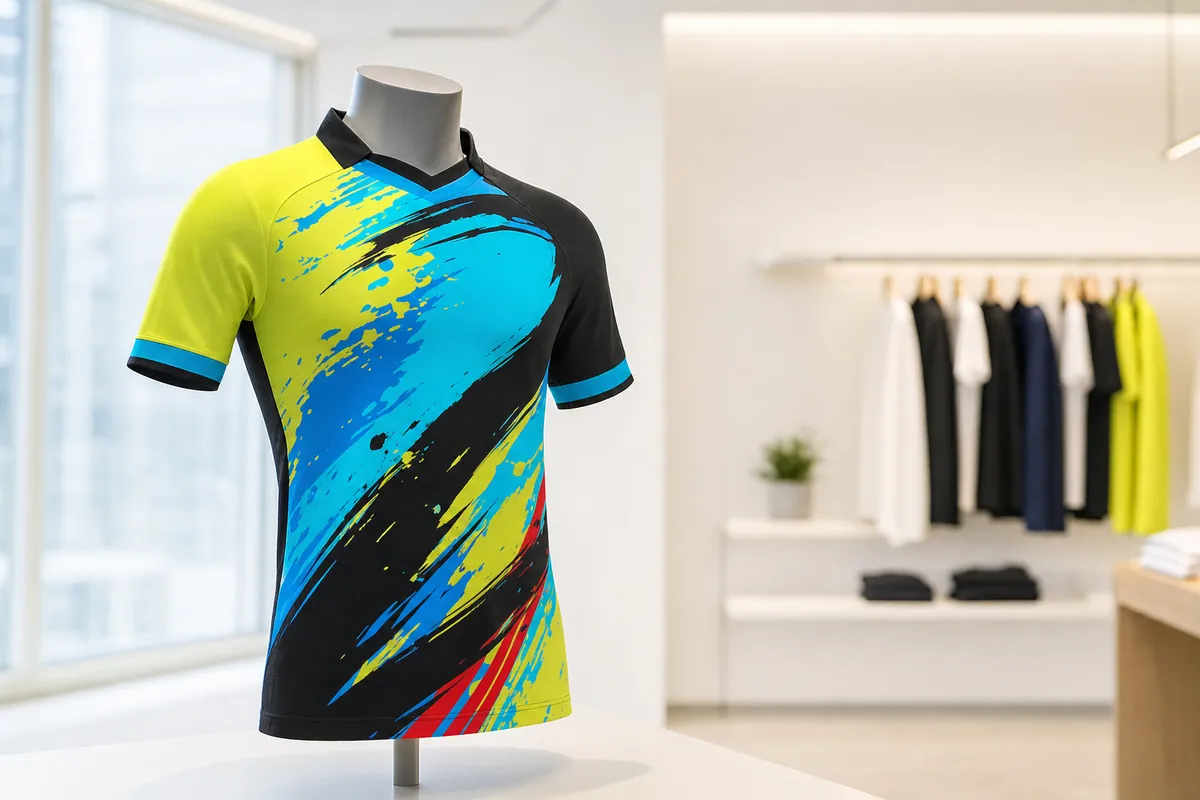
Catalog and viewer
- Every asset is versioned, with its history, thumbnails and change log
- GLB and glTF upload, automatic STEP-to-web conversion with levels of detail, and a CLO3D plugin
- Real-time rendering in the browser with physically based materials and HDRI lighting
- Measurement, polygon reduction, UV tools, baking and a Gaussian splat viewer
Materials and scenes
- A shared material library for each organization, applied to the real geometry
- Ray-traced gemstones, subsurface scattering, sheen and clearcoat
- Snapshots save camera, materials and visibility as named states
- Compositions place several assets in one scene
Review and sign-off
- Review, view-only and embed links that can expire or be revoked
- Numbered markers pinned to the model, tied to camera, version and snapshot
- Feedback tracked through resolution and sign-off, with an audit trail
- A shared viewer that works on phones, with touch controls
Designer configurator
- A node-based editor turns an asset into a configurator with options, rules and pricing hooks
- Text and logo personalization, with preset cameras
- Publishes to a shared page or a website embed
- Every combination is a recipe you can share and reopen exactly
AI features
- Photo-real images and video rendered from the actual model
- AI material generation and image-to-3D
- An AI assistant that works through the product's own tools
- Paid with credits, with per-organization limits and a cost cap
Projects and client portal
- Budget, Schedule (Gantt and Kanban), Documents, Messages and Reviews
- A client portal with a scoped view of each project
- A CRM with quotes, invoices and a review-and-pay page
- A documented REST API for integrations
One approach
Built on the same five rules
Every Jaibana system follows the same five rules. This is how they apply here.
| One source of truth | One versioned asset with its history, thumbnails and change log. |
| Every step on record | Review sessions keep an audit trail. Markers are tied to the camera angle and the version. |
| People make the call | Sign-off happens in the review session, by a person. |
| Access you control, backed up nightly | Organization admins invite members and set roles. Database backups run nightly and are kept for 90 days. |
| Your files stay in open formats | Models export as glTF or GLB, and an asset downloads as a package with its snapshots and materials. |
Industries
Who it's for
VizFlow is one product, and each industry uses a different part of it. Industries marked as our work are where our systems are in use or where our studio has delivered 3D work.
- Architecture and interiorsOur workClient review on the real model, finish studies without re-rendering, and an embed that stays current.
- ConstructionOur workField logs, schedules, budgets and sign-off through SiteTrakr, the construction edition of VizFlow.
- Fashion and apparelOur workOne garment file becomes every colorway and option, configurable by buyers and approved on a link.
- Product design and engineeringOur workSTEP in, web-ready model out, reviewed and rendered from the same geometry.
- Film, animation and gamesOur workAsset review pinned to the mesh, versioned, with guest access and sign-off.
- JewelryPhoto-real stones and metals from one file, every combination approved before casting.
- Furniture, lighting and eyewearEvery finish on the product page from one model, with supplier approvals on the file.
- Agencies and e-commerceClient approvals on a link, with one asset feeding renders, video and an embed.
Our workOur systems are in use, or our studio has delivered 3D work, in these industries.
Control and data
- Runs on Google Cloud and Firebase
- Permissions are scoped to each organization
- Nightly database backups kept for 90 days, and versioned file storage
- No third-party analytics or advertising trackers
- Payments run through Stripe and email through Resend
- Optional AI features process the inputs you send them through the AI services that power them
What it is not (today)
- Not a 3D modeling or CAD tool. Models are made elsewhere and uploaded.
- Not a BIM, PLM, ERP or accounting system, and it does not sync with them today.
- Not a pipeline tracker for film or games (no ShotGrid, ftrack or USD).
- Not an e-commerce checkout. The configurator produces a recipe, and your store sells it.
- Not on-premise, and no native app. It runs in a modern browser on desktop and mobile.
- Not a render farm.
Getting started
Plans and setup
VizFlow has a free plan, and paid Creator, Teams and Organizations plans. Current prices are on vizflow.net. Reviewers and guests who open a link never need a paid seat. AI features use credits included with each plan.
If you would rather not set it up yourself, we configure VizFlow for your team and build the pipeline that feeds it. The scope is set out in writing before work starts.
FAQ
Questions about VizFlow
Do reviewers need an account or software?
No. Reviewers open a link in a modern browser on desktop or mobile, and there is nothing to install. Signed-in reviewers are tracked by identity and guests by name.
Which files can we upload?
GLB and glTF directly, and CAD STEP files, which convert automatically to web-ready geometry with levels of detail. LOD packages and multi-file glTF folders are accepted as zips. Gaussian splat captures, images and video are supported too.
Does it connect to our PLM, BIM or pipeline tracker?
Not today. Models come in as GLB, glTF or STEP exports, and garments can publish directly from CLO3D. Project modules are available through a documented REST API.
Where does our data live, and can we take it out?
VizFlow runs on Google Cloud, with organization-scoped permissions, nightly backups kept for 90 days and no third-party trackers. Models export as standard glTF or GLB, and an asset downloads as a package with its snapshots and materials.
Related
Start with one asset
Upload a model and explore it on the free plan, or tell us how your team works now and we will set VizFlow up around it.