 SiteTrakr
Project tracking platform for construction teams
Field logs, punch lists, schedules, budgets and client sign-off in one place.
SiteTrakr is the construction edition of VizFlow. Each job gets one project. Your site team logs inspections and punch items from a phone, your office tracks budgets and invoices, and your client follows progress and signs off in a portal.
Our systems are in use at construction companies. Live at sitetrakr.com.
The problem
The work it replaces
How it works
How a job runs in SiteTrakr
Each job runs in this order, and every step is recorded in the same project.
- Create the projectEach job gets its own project, with the modules you need switched on.
- Schedule and budgetGantt or Kanban, with task groups and dependencies, and the job budget.
- Log from a phoneInspections, photos and punch items from a phone browser on site.
- Track the moneyFinance and change orders alongside the budget and cost matrix.
- Client signs offThe client follows progress in the portal and signs off on items.A person decides
- Invoice with a pay linkInvoices go out from the CRM with a page to review and pay.
Live today
What it does today
Schedule
- Gantt charts with task groups and dependencies
- A Kanban board for the same tasks
- Email and in-app notifications for assignments, comments and due dates
Money
- Budget, Finance and a Cost Matrix for every job
- A CRM with accounts, contacts, deals, quotes, bills and invoices
- A public page where the client reviews and pays each invoice
Field
- Site logs with inspections, photos and PDF reports
- A punch list your site team updates from a phone browser
- Documents, messages and notes kept with the job
Client portal
- Each client sees a scoped view of their own project
- Progress, documents and inspections in one place
- Sign-off on items, recorded
Mission Control
- Tasks, budgets, inspections, punch items and messages across every job
- Replaces the weekly spreadsheet roll-up
3D on the job
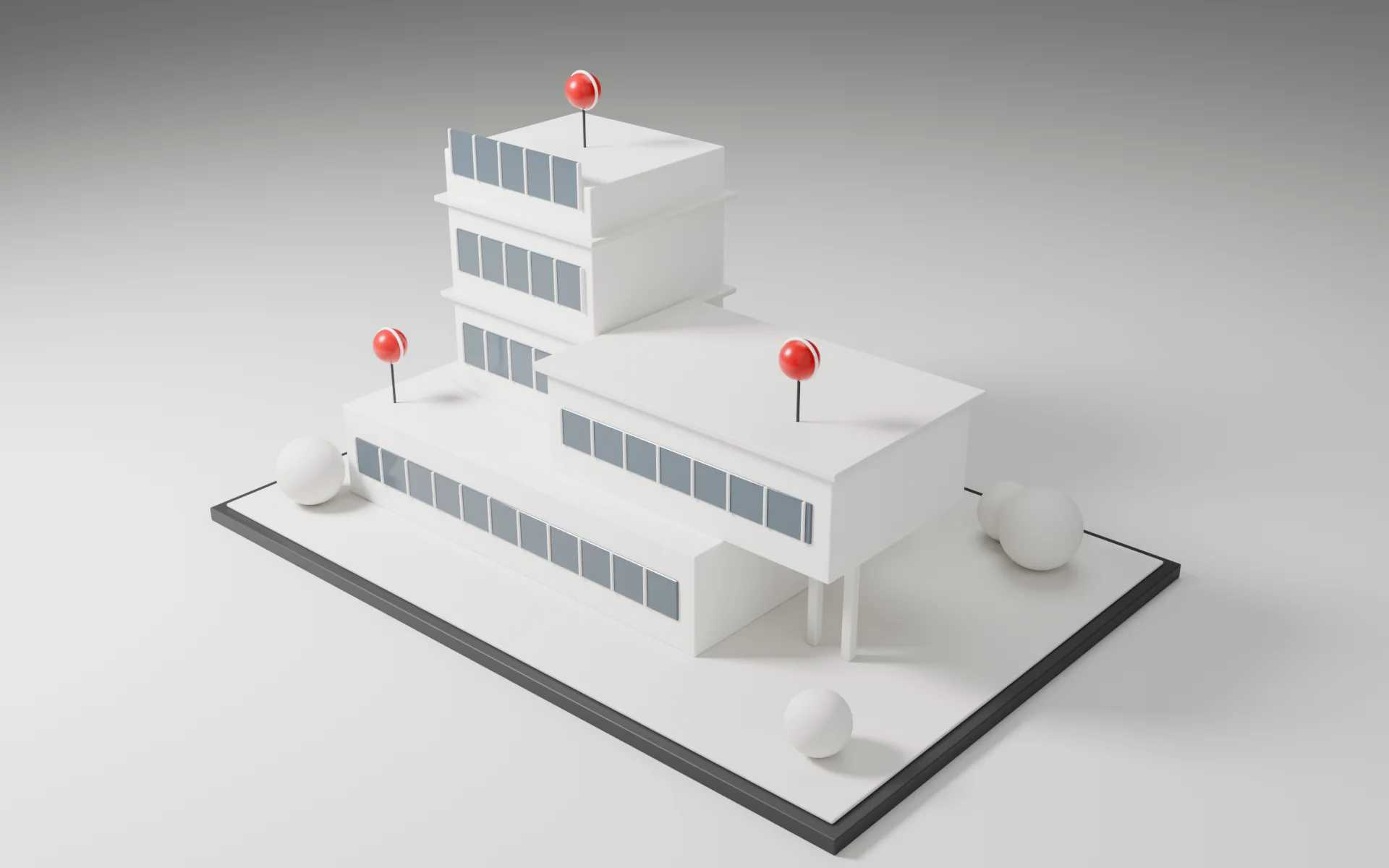
- Use a building or site model for presentations, progress snapshots and client reviews
- Comments pinned to the model, tied to camera angle and version
- Reviewers do not need an account
One approach
The five rules behind every Jaibana system
Every Jaibana system follows the same five rules. This is how they apply here.
| One source of truth | One project per job. Mission Control covers every job. |
| Every step on record | Site logs with photos and PDF reports. Review sessions keep an audit trail of comments and sign-off. |
| People make the call | The client signs off on items in the portal, and SiteTrakr records the decision. |
| Access you control, backed up nightly | Regular, admin and superadmin roles, scoped to each organization. Nightly backups kept for 90 days. |
| Your files stay in open formats | Inspections produce PDF reports, 3D models export as glTF or GLB, and a REST API exposes the project modules. |
Industries
Who it is for
Our systems are in use at construction companies. SiteTrakr is built for the people who run construction jobs and the people they report to.
- General contractorsRun every job from its own project and see all of them together in Mission Control.
- SubcontractorsKeep site logs, punch items and invoices with the job they belong to.
- Owner's representativesFollow progress and inspections in the portal, with a record of every item signed off.
- Project managersManage dependencies, change orders and client sign-off without a weekly roll-up.
- Site supervisorsLog inspections, photos and punch items from a phone browser while you walk the site.
Control and data
SiteTrakr runs on the same platform as VizFlow, so the same facts apply.
- Runs on Google Cloud and Firebase as a web platform
- Permissions scoped to each organization, with regular, admin and superadmin roles
- Invite members from other organizations with view or edit permissions
- Nightly database backups kept for 90 days, and versioned file storage
- Share links can expire or be revoked
- No third-party analytics or advertising trackers
What it is not (today)
- No BIM authoring. Models come from your own BIM or CAD exports.
- No IFC clash detection.
- No schedule import from Primavera or Microsoft Project.
- No accounting-system sync, such as QuickBooks or Sage.
- No native app. It runs in a modern browser on desktop and phone.
Getting started
How we help
We set up SiteTrakr around the way your company runs a job. With your team, we decide which modules the office, the field and your clients need, then configure your organization, roles and access levels to match.
SiteTrakr also has a free plan you can start on yourself at sitetrakr.com. We stay involved in English or Spanish.
FAQ
Questions about SiteTrakr
Does my site team need to install an app?
No. SiteTrakr runs in the browser, including on a phone. Your site team logs inspections, photos and punch items from a phone browser.
Do we need a 3D model to use it?
No. Schedules, budgets, site logs, punch lists, the client portal and Mission Control all work without one. When you have a model, add it as a glTF, GLB or STEP export from your own BIM or CAD software.
Does it connect to our accounting or scheduling software?
Not through a ready-made sync. There is no QuickBooks or Sage sync and no Primavera or Microsoft Project import today. A documented REST API exposes the project modules for integrations.
What does our client see?
Only their own project. The client portal shows that project's progress, documents and inspections, and that is where the client signs off on items. Invoices arrive with a link to a page where the client can review and pay them.
Related
See SiteTrakr on a job like yours
Tell us how your jobs run today: where the field records go, how the budget is tracked and how your clients sign off. We will walk you through SiteTrakr using that workflow.